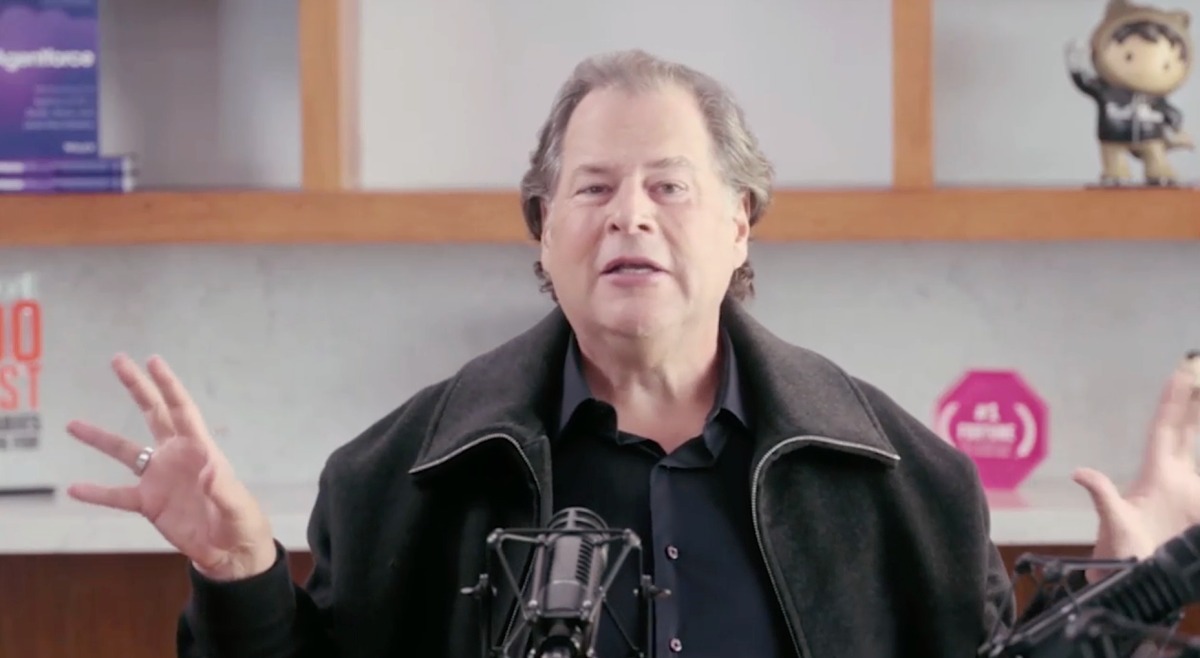

Salesforce CEO Marc Benioff recently addressed the concerns surrounding the potential impact of AI on the company's business model, emphasizing that this is not the first time Salesforce has faced such challenges. During a recent earnings call, Benioff stated: “You’ve heard about the SaaSpocalypse? And it isn’t our first. We’ve had a few of them.” He further added: “If there is a SaaSpocalypse, it may be eaten by the Sasquatch because there are a lot of companies using a lot of SaaS because it just got better with agents.”
In an effort to reassure investors and stakeholders about its continued viability in the face of AI advancements, Salesforce unveiled several initiatives. The company increased its dividend by nearly 6% and launched a new $50 billion share buyback program. Additionally, CEO Marc Benioff presented testimonials from three key customers—SharkNinja, Wyndham Hotels and Resorts, and SaaStr—who highlighted their satisfaction with Salesforce’s AI agent products.
Salesforce also introduced a new metric for its agentic products called 'agentic work units' (AWU), which aims to measure the completion of tasks by AI agents rather than just counting tokens. The company’s vision for the future includes SaaS software owning most of the tech stack, with AI model makers at the bottom as interchangeable and commoditized components.
These moves come after Salesforce faced pressure due to fears that AI could render its per-employee-seat business model obsolete. Despite these efforts, software-as-a-service (SaaS) stocks have been underperforming recently, leading to what is being dubbed the “SaaSpocalypse.”
推荐意见